DE

Services / Automation & Integrations

Automate workflows and connect your software

Duplicate entries, spreadsheets passed between two programs, messages that someone forwards by hand: we connect your software and take over repetitive work. We start with one workflow and establish which parts can be supported reliably.
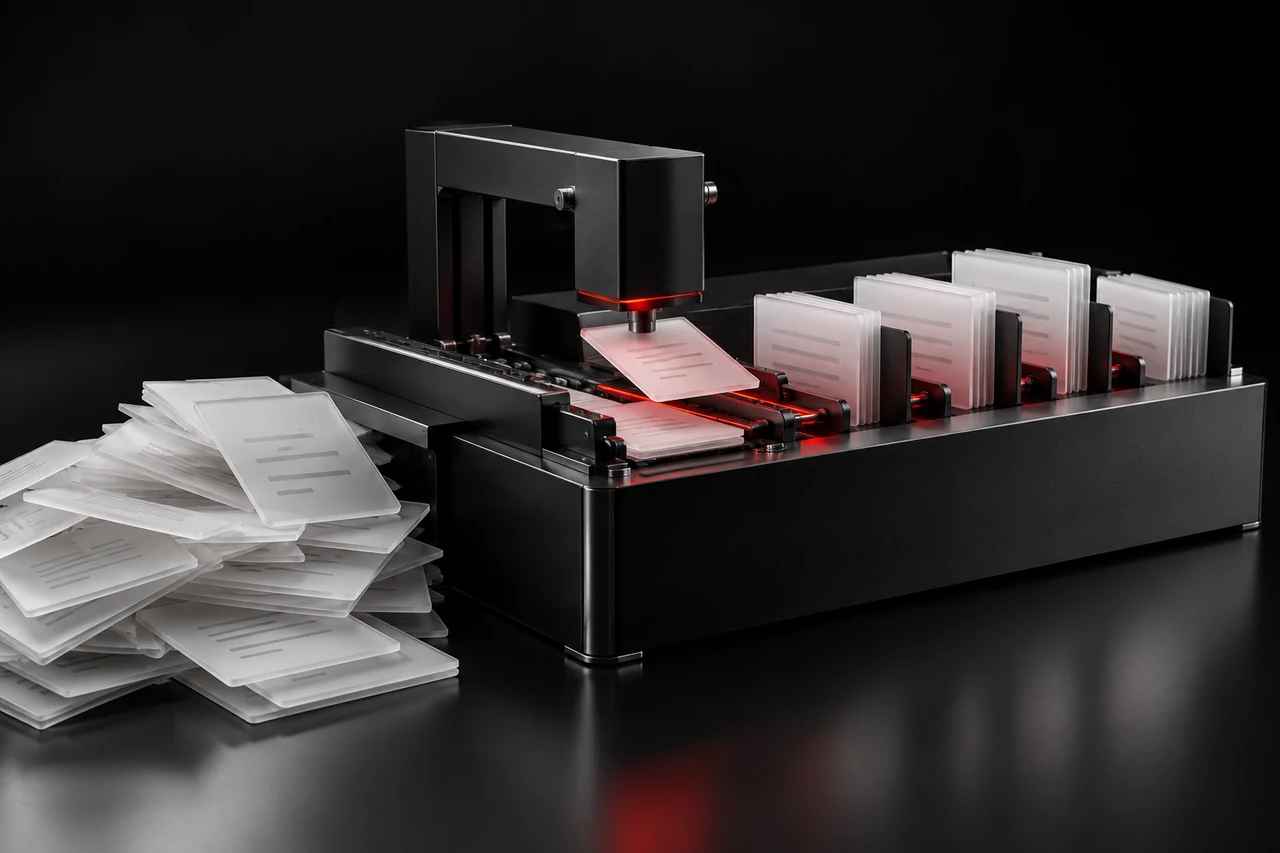
Black automation module sorting white documents along a red signal path.

Who and what this is for

For teams that repeatedly handle similar information and currently hold the workflow together by hand: details move from an email into a spreadsheet and from there into a second program. A suitable workflow has clear inputs, a recognisable output and someone who can judge its quality.

An integration (API) is the connection through which two programs exchange data. Whether your programs can be connected depends on what they offer. We check that at the start.

We mean workflows on a screen, not machinery or industrial equipment. We work online.

Where AI can be a useful tool

AI can make sense when a workflow has to process language or unstructured documents, for example when sorting enquiries or preparing text. For fixed rules, conventional automation can be clearer. Choosing between them is part of the initial review.

AI outputs can be wrong. Which results a person has to check or approve is set for the particular workflow, before any consequential action is carried out.

A concrete example

Illustrative scenario explaining the service

Prepare incoming documents for the next step

The situation
A team receives different PDF documents and emails, repeatedly copying senders, dates and requests into the same overview.
The starting point
Anonymised sample documents, the required fields and some difficult cases, such as a missing date or a poorly scanned page.
What we would build
A bounded workflow extracts content, proposes a classification and presents the selected values for review. Uncertain cases are routed to a person.
How the result would be checked
Suggestions are compared with manually checked examples. Wrong classifications, missing information and processing costs become visible before an import is approved.

What you receive

  • A documented workflow covering data sources, outputs and responsibilities.
  • A bounded first workflow, for example for sorting documents, preparing drafts or transferring data between two programs.
  • Connections to the agreed programs.
  • Example checks, visible failure states and approval steps before a consequential action is carried out.
  • A description of the limits, with instructions for operating and stopping the workflow.

What is not included

  • Changes at connected services: if a provider changes its interface, we agree the adjustment separately where needed.
  • Ongoing operation and maintenance after handover, unless agreed otherwise.
  • Promises of savings or time gained.
  • Consequential actions without approval by a person.

Our process

  1. Assess suitability and accessWe establish how often the workflow occurs, how you will recognise a good result and which programs are involved. Confidential information and permitted tools are agreed before processing begins. We agree together in advance which access is needed.
  2. Test representative examplesRealistic inputs show where the approach works and where its limits are. Checks include missing data, inappropriate instructions inside documents and uncertain outputs.
  3. Introduce it with controlsResults, errors and human approvals remain traceable. You receive a description of the limits and instructions for operating and stopping the workflow.

One workflow is a sensible first step. Not everything can be sensibly automated – we tell you before it costs money. We agree scope and costs in advance (see “What does it cost?”).

Useful for a first conversation

  • Typical inputs and known exceptions.
  • The target overview or existing program.
  • Someone who can judge correct and incorrect results.

Define the scope together

We try one document type first. Data sources, permitted services, approvals and ongoing usage costs form part of that pilot’s scope. This is an illustrative project, not a client reference.

What does it cost?

For a single workflow there is the Tool Sprint, which can also cover an automation from input to system. It costs EUR 7,900 net and takes 15 working days.

We make a written offer for several workflows or ongoing development after a conversation.

What it costs depends on how many programs are involved, whether they offer an interface and how many checks and approval steps the workflow needs.

Packages & pricing

Examples by industry

  • Metalwork The demo simulates turning a sample email into order details with dimensions, material and a date. These can be used to create a card on the production board. View demo

Demos with sample data, not client projects.

Related projects

Working terms

  • You first receive a written offer with scope, schedule and price.
  • We only start once you have accepted the offer.
  • Payment for the sprints is due after acceptance of the delivered work and receipt of an invoice; an advance payment applies only if validly agreed. Section 8 of our terms sets out payment details.

Details in our terms

Working together

How is the price determined?

It depends on the objective, starting point and agreed scope. Deliverables, required input and fees are described before commissioning. A limited first step can help resolve open questions.

Which access and documents will you need?

An outline of the project and existing public examples are enough to begin. Any required system access is agreed later with appropriate permissions. Please do not send passwords in the first email.

Can you work with existing code or systems?

Yes, after reviewing the affected area. This includes its structure, permissions, documentation and dependencies. The appropriate scope of a change can then be defined.

More services

What would you like to change?

Tell EVA – right now, no appointment, no waiting. She clarifies your goal and scope with you. Before a suitable enquiry is forwarded to us, you review and confirm its summary.

Talk to EVA

Prefer email: hello@obholz.solutions

Opens your email app with a prepared enquiry.