DE

Services / 3D & product visualisation

3D product visualisation from the right perspective

Explain a product spatially, show variations or prepare a model for a particular use. The key question is what you need at the end: an image, an interactive view or a technical file.
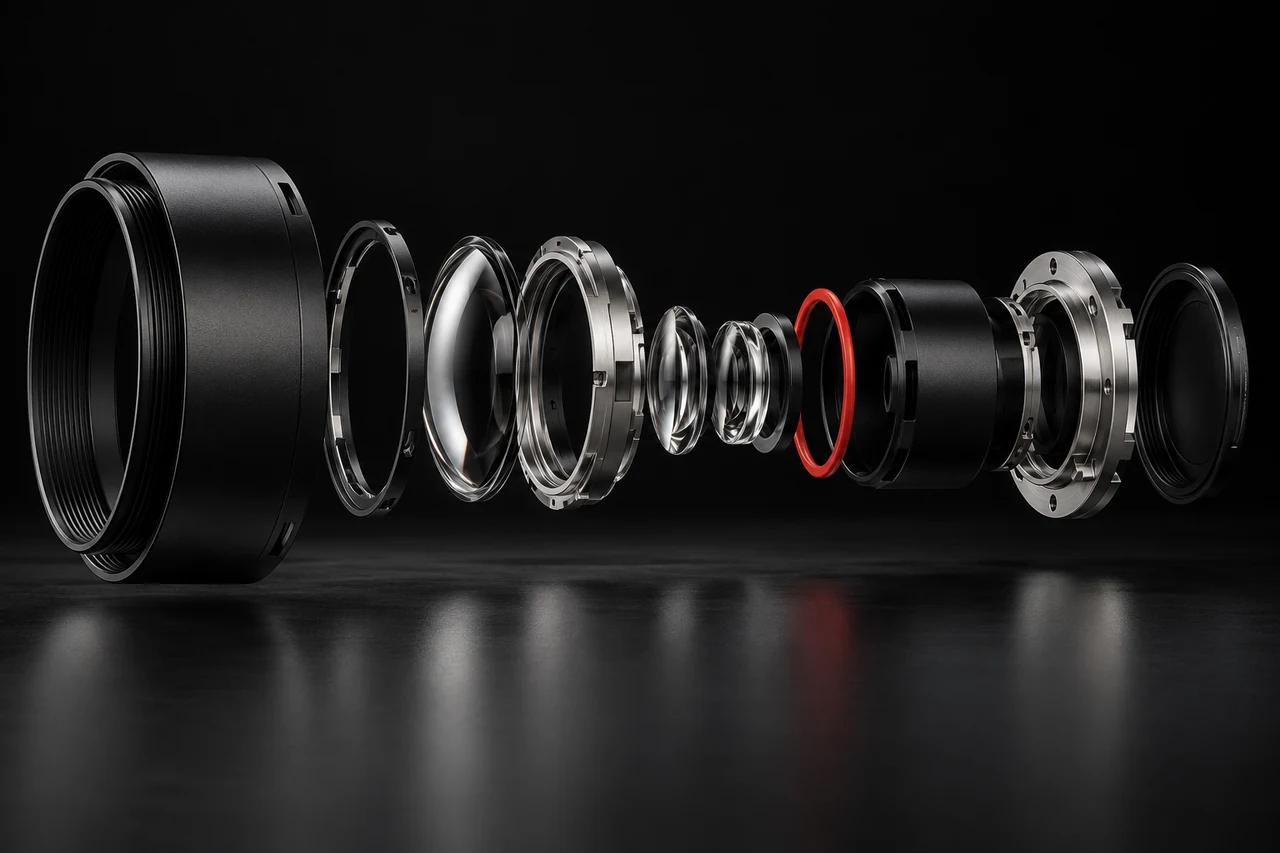
Exploded view of a black optical module with glass lenses, silver rings and a red gasket.

Who and what this is for

For manufacturers, product teams and suppliers who need to communicate form, construction or variants. Existing photographs, dimensions or models provide the foundation; missing information is identified clearly.

A visualisation and a model suitable for manufacturing serve different purposes. We establish accuracy, material representation, editability and output format early. A convincing spatial view is not a technical approval.

A concrete example

Illustrative scenario explaining the service

Show a product variant before a photo shoot

The situation
A manufacturer needs to present several enclosure finishes on its website. Not every material or colour variation exists as a physical sample yet.
The starting point
An existing model or clear reference views, confirmed dimensions and material samples. We establish which properties the source material actually supports.
What we would build
Agreed perspectives and variants as product images. If an interactive view serves the purpose, we scope a prepared model with usable viewing controls.
How the result would be checked
Proportions, visible details and materials are compared with the approved reference. For browser use, we also check rendering, file size and controls on smaller devices.

What you receive

  • Agreed product images or animations with defined perspectives and variants.
  • Where included: a model prepared for the browser and an operable product view.
  • Model preparation or technical files within explicitly agreed scope and formats.
  • Agreed source and export files with notes about scale, materials and limitations of use.

How we work

  1. Review the intended use and source dataWe establish where the result will be used and which references are reliable. Modelling, visualisation and technical design are scoped as specific tasks.
  2. Review the view or modelAn early version makes proportions, camera and material appearance reviewable. Technical requirements such as dimensions and file exchange are checked separately.
  3. Prepare the output for its destinationImages receive suitable crops and exports. Interactive models are checked for file size and usability. The handover states what the result is suitable for.

Manufacturing, safety or structural evidence is included only when explicitly agreed and supported by the necessary expertise.

Useful for a first conversation

  • Available models, drawings, photographs or dimensions.
  • Required viewpoints and the variants to display.
  • The intended use: product images, animation or a browser view.

Define the scope together

The available source data determines the modelling work. Visual output, interactive models and technical design files are therefore described separately.

Related projects

Working together

How is the price determined?

It depends on the objective, starting point and agreed scope. Deliverables, required input and fees are described before commissioning. A limited first step can help resolve open questions.

How long does a project take?

Timing depends on scope, available material, access and approvals. A schedule is agreed for the actual project. Changed requirements or missing content can affect it.

What is included after handover?

The agreed files, source material, setup notes and check results are handed over. Hosting, ongoing maintenance, support and further changes are explicitly agreed as needed.

More services

What would you like to change?

Tell EVA – right now, no appointment, no waiting. She clarifies goal and scope with you and passes your project straight to us.

Start with EVA

Prefer email: hello@obholz.solutions

Opens your email app with a prepared enquiry.